Users
User management; Add user; Assign roles; Employee ids and work classes

Mobile First administration
Administration holds the users, roles, assets, approved suppliers, stock items and locations that every mobile screen chooses from, so crews pick from controlled lists instead of typing.
In the app
Menu names as they appear in the MiracleTek app. Administration opens from the Workflow map: Users, roles, assets, suppliers.
How it works
Screens
Every menu item, in the same order as the app menu. Full screens from the MiracleTek app, using sample data.
User management; Add user; Assign roles; Employee ids and work classes
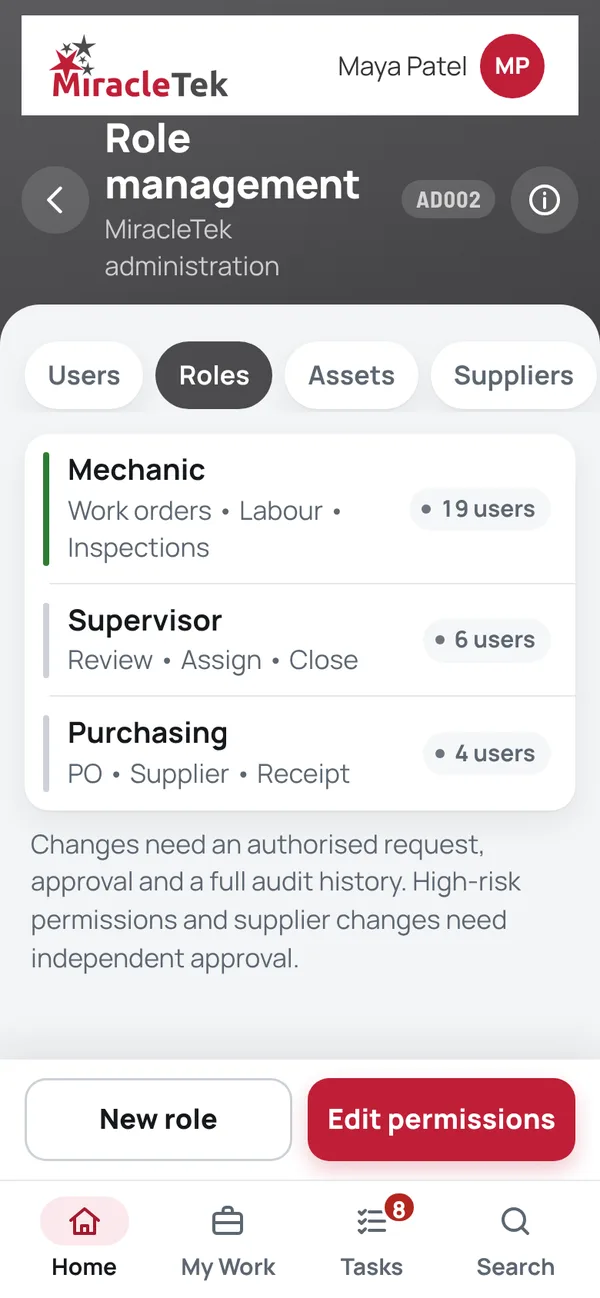
Role management; New role; Edit permissions
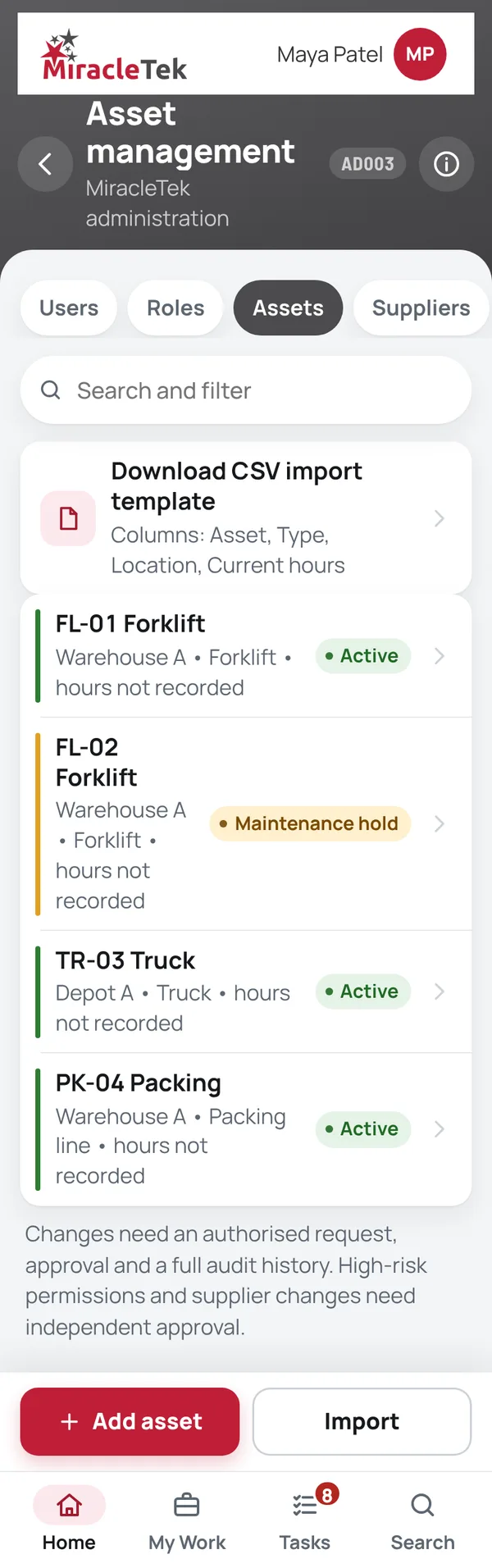
Asset management; Download CSV import template; Add asset; Import
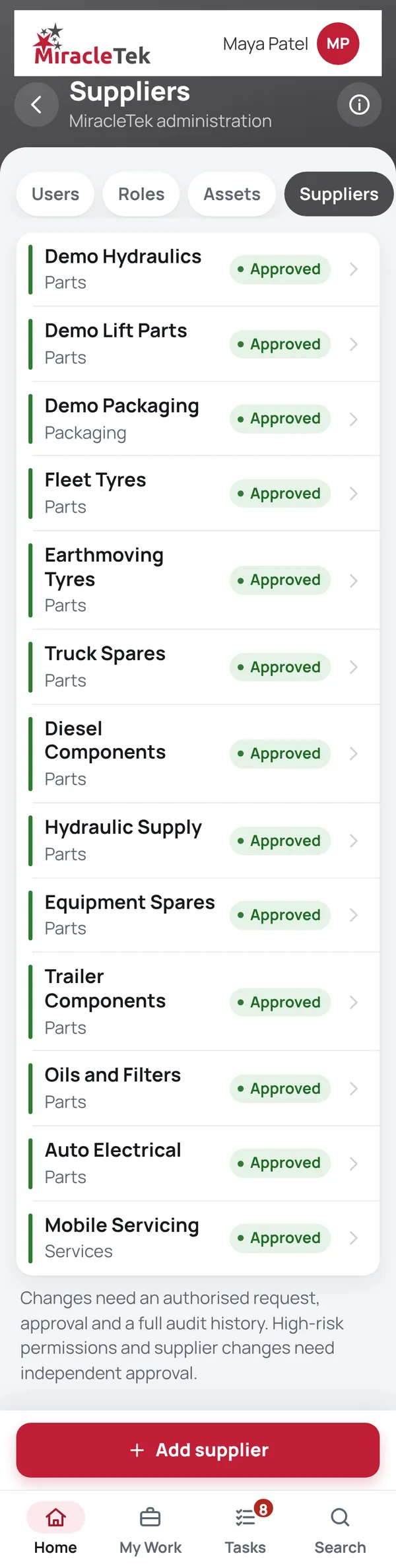
Add supplier
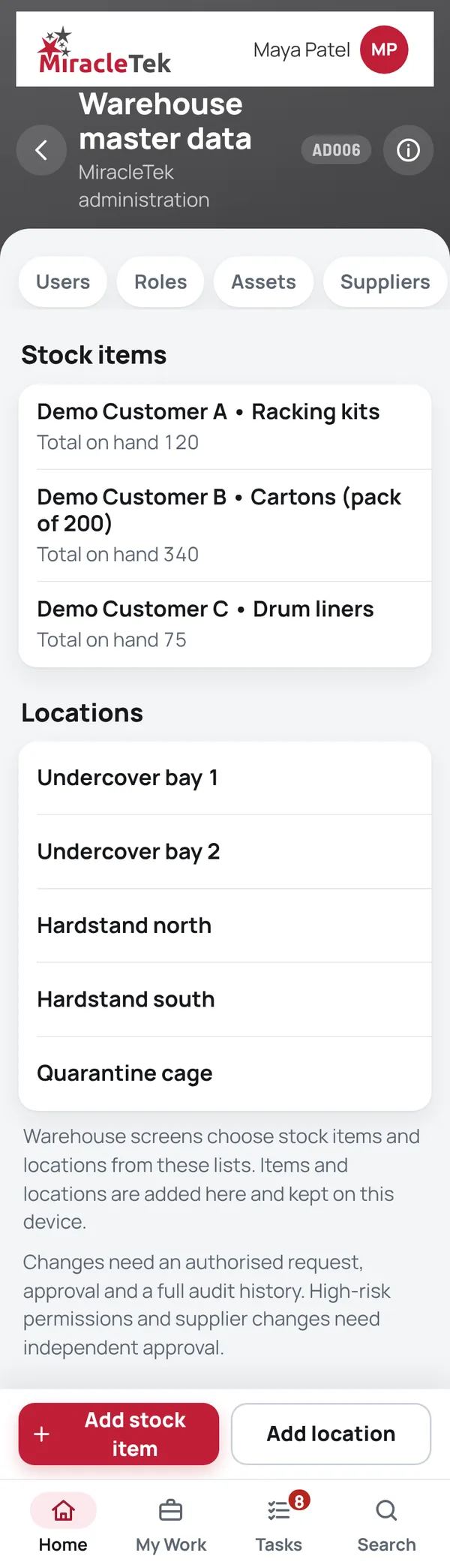
Warehouse master data; Add stock item; Add location
Divisions and depots; Check backup file; Ask for a PIN when approving purchase orders over $1,000; Quote required above
Shown in a demonstration.
Approvals and controls

Mobile First
Administration runs in the same app as the mobile screens, on phones and tablets.
Works Offline
The lists set up here are kept on the device, so mobile screens can use them without coverage.
Offline • 3 saved on this device
Multiple Destinations
MiracleTek is designed so administration changes can be configured for delivery to the systems that also hold them.
Request a demo. We will add users, assets and suppliers and show how the mobile screens use them.