MiracleTek

Mobile First timesheets

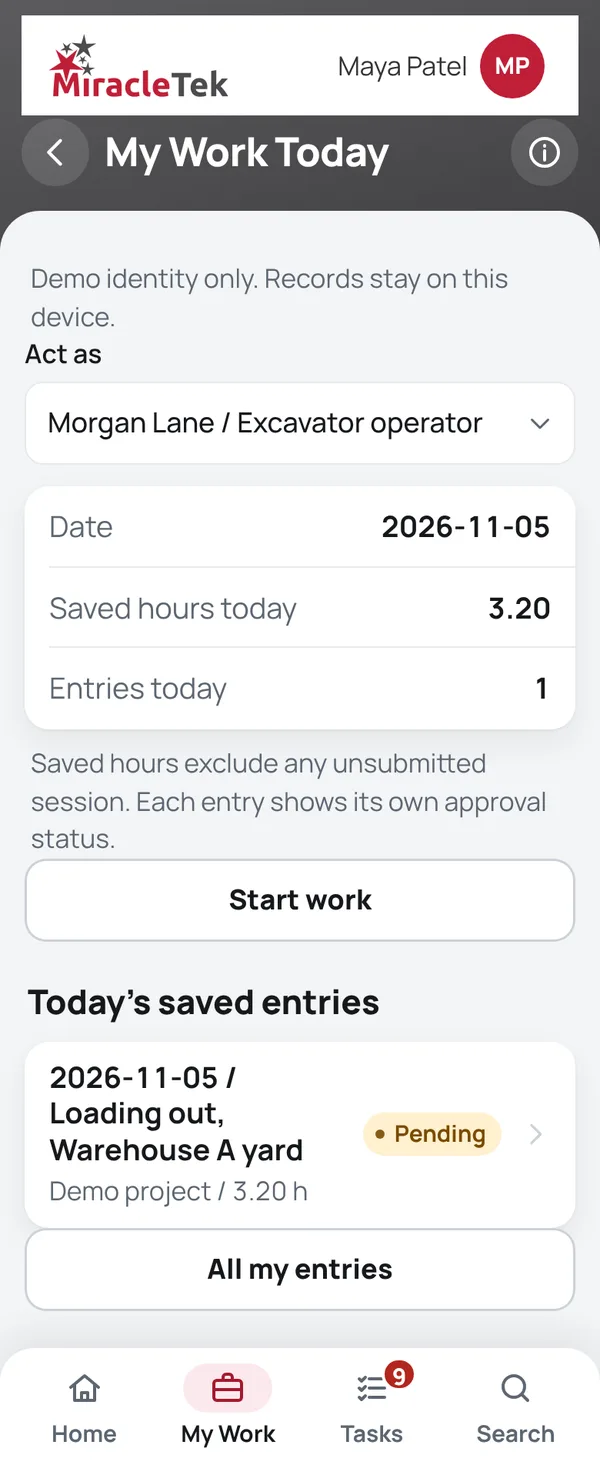
Hours recorded when the work starts, not remembered on Friday

Crews start and finish work on their phone against the truck, plant, work order or general duties. Breaks are recorded, overlapping entries are stopped, and each entry needs approval by the area manager or supervisor.
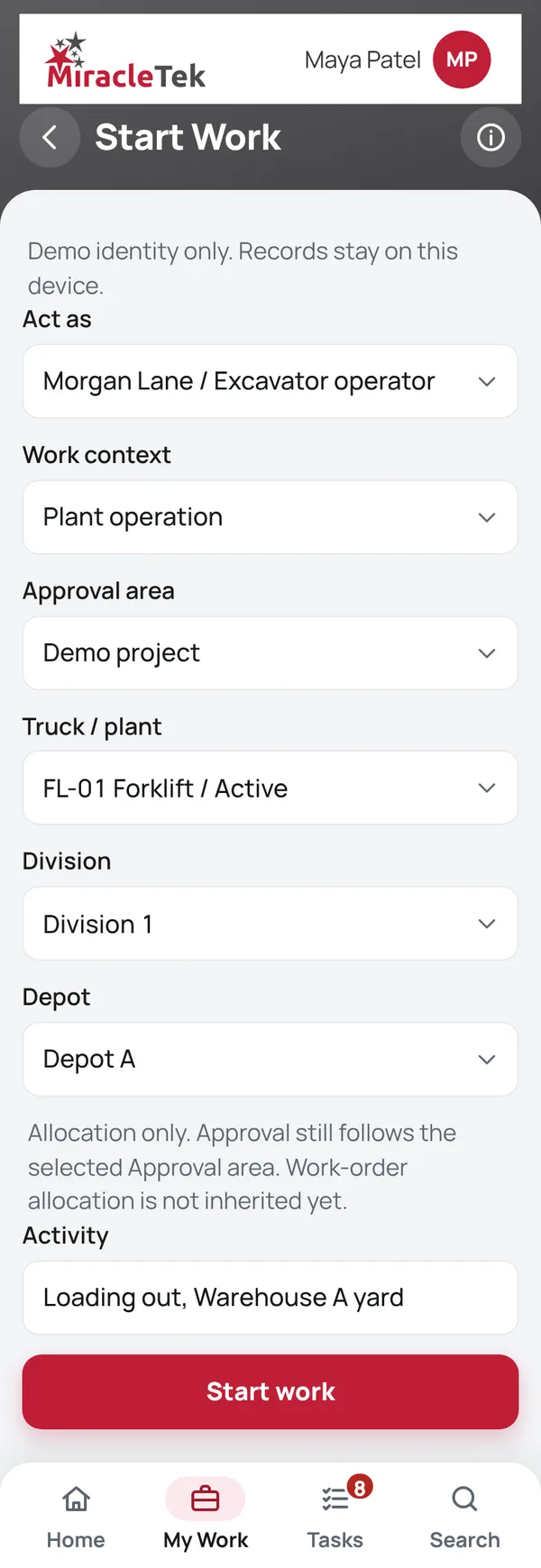
Start Work screen: employee, work context, equipment and area
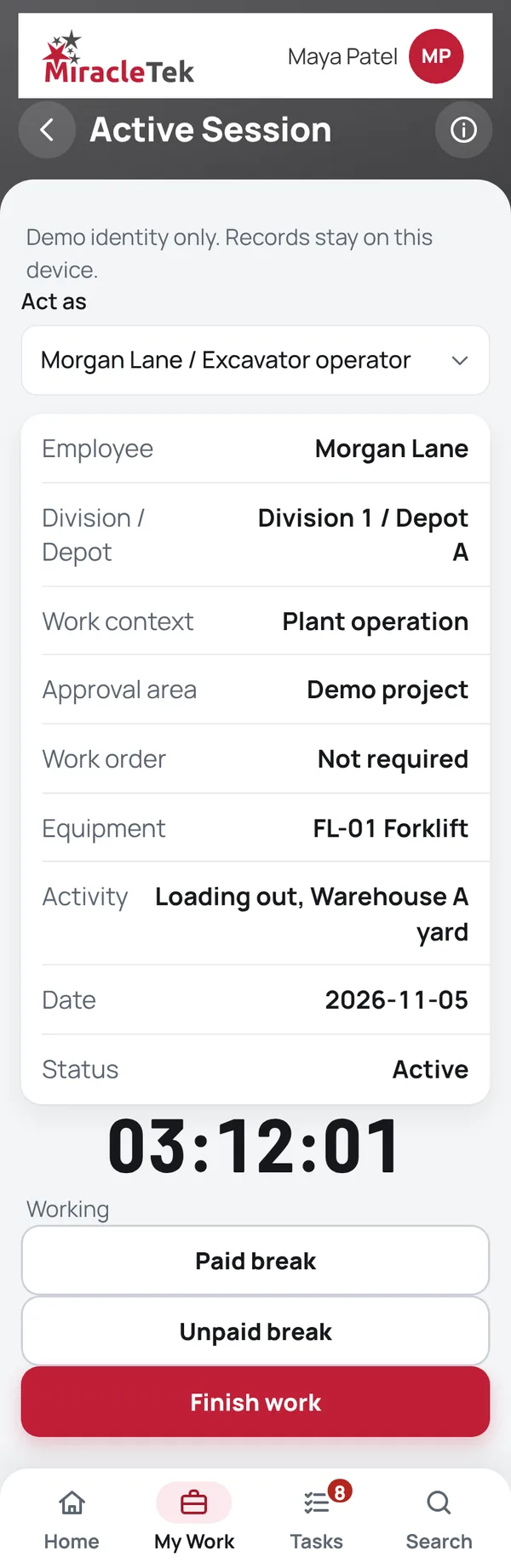
Active Session screen with the session timer

How it works

From start of shift to payroll-ready hours

  1. Start WorkChoose the work context (truck, plant, workshop work order or general duties), the equipment and the approval area. The timer starts on the phone.
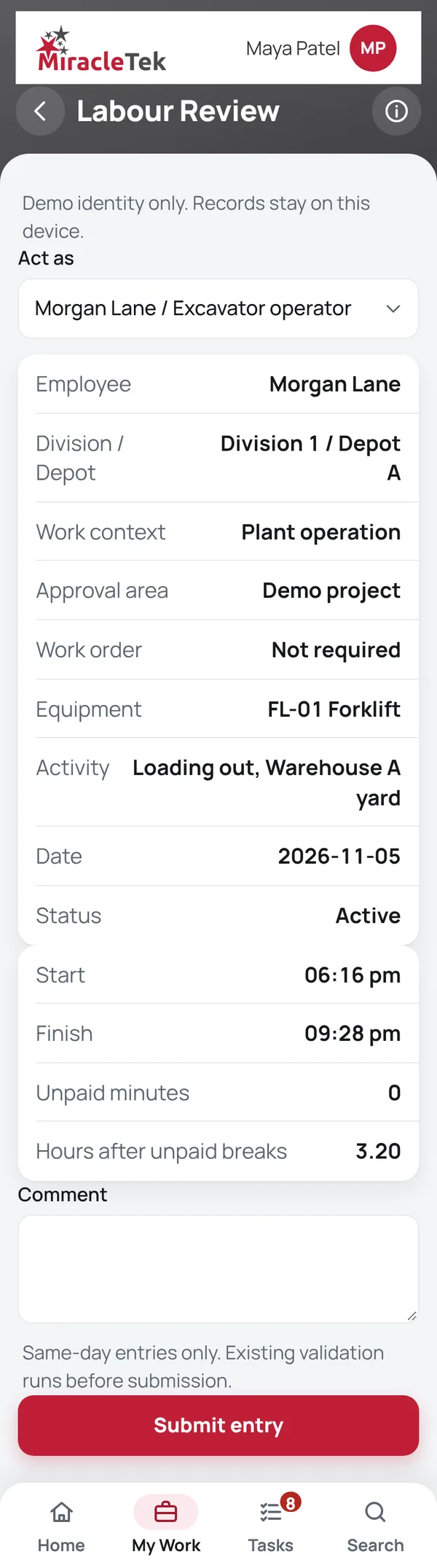
  2. Active Session and Labour ReviewRecord breaks and finish. Check the hours in Labour Review before submitting; hours are calculated less unpaid breaks.
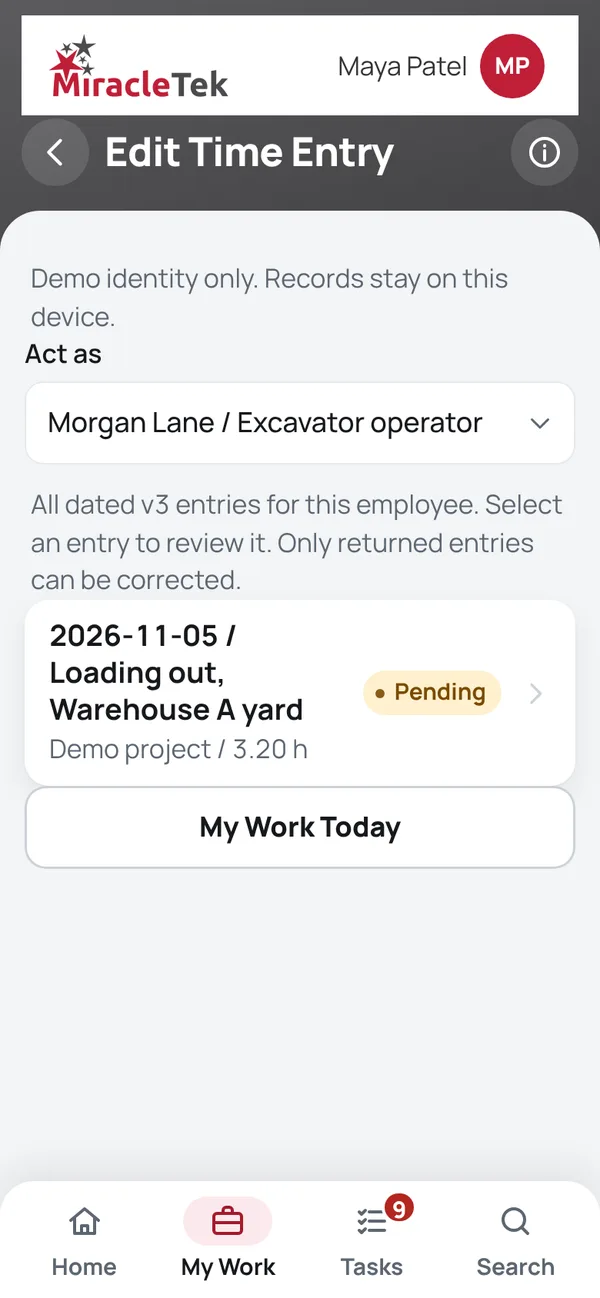
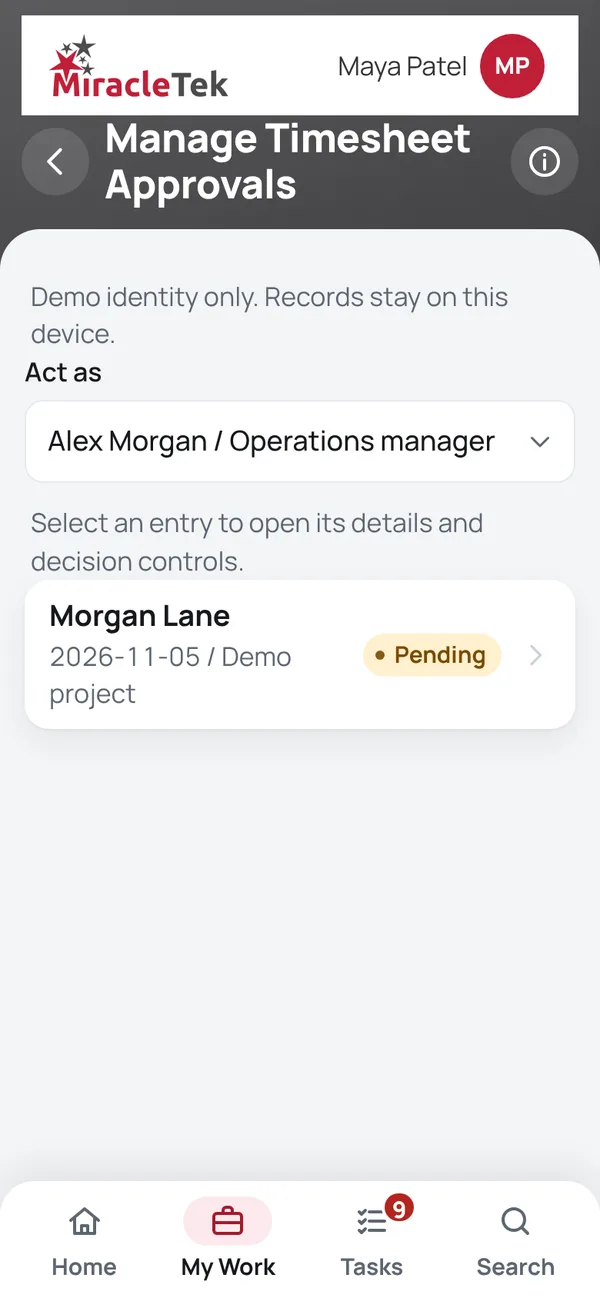
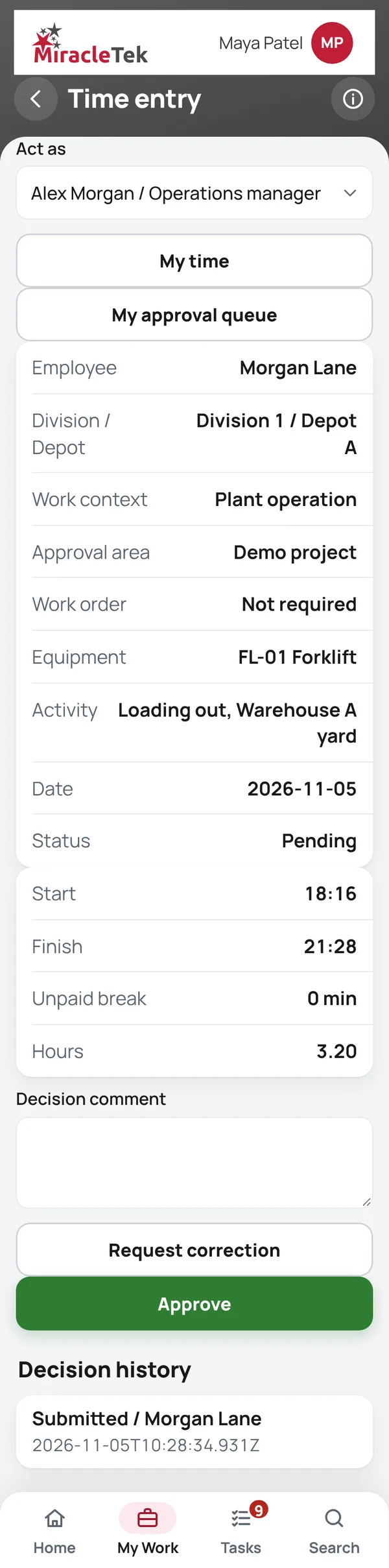
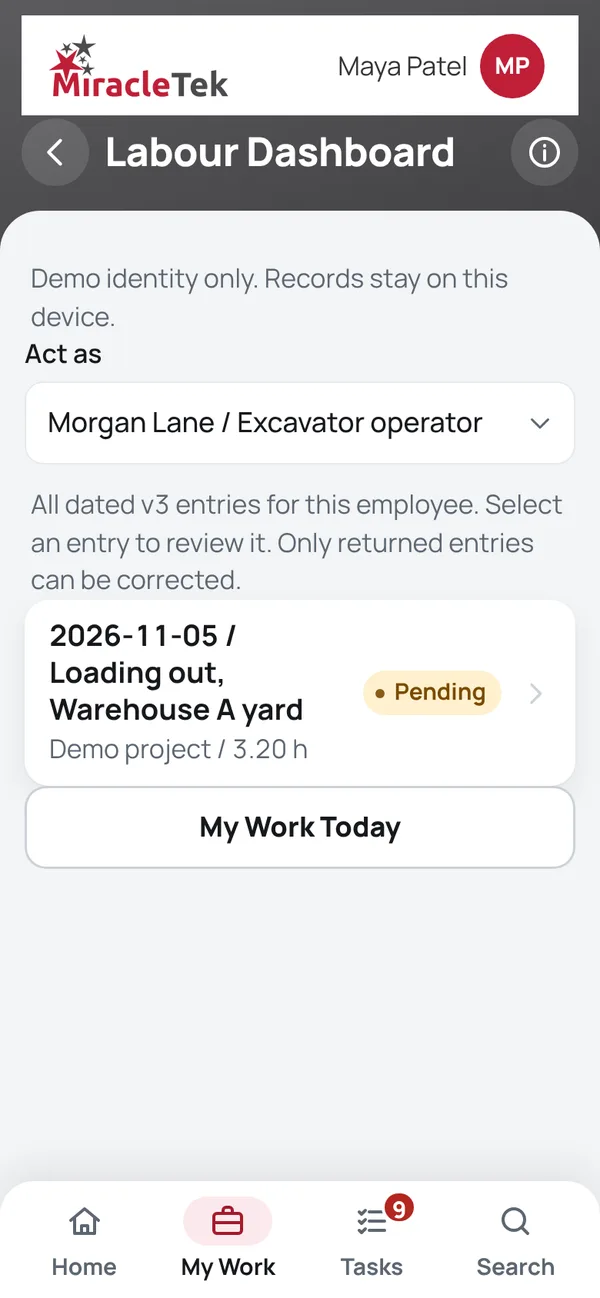
  3. Manage Timesheet ApprovalsThe site manager or supervisor approves each entry or requests a correction, fixed through Edit Time Entry.
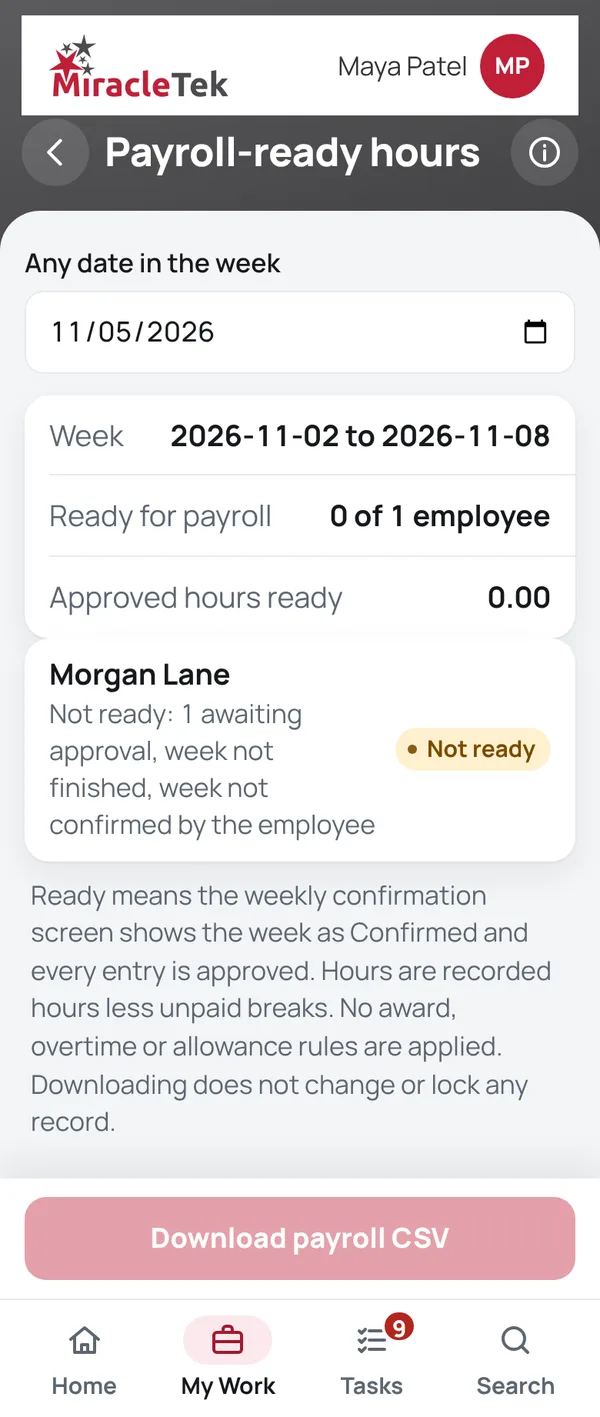
  4. Confirm Timesheet WeekThe employee confirms the week. Payroll-ready hours shows approved, confirmed weeks, with a CSV download.

Screens

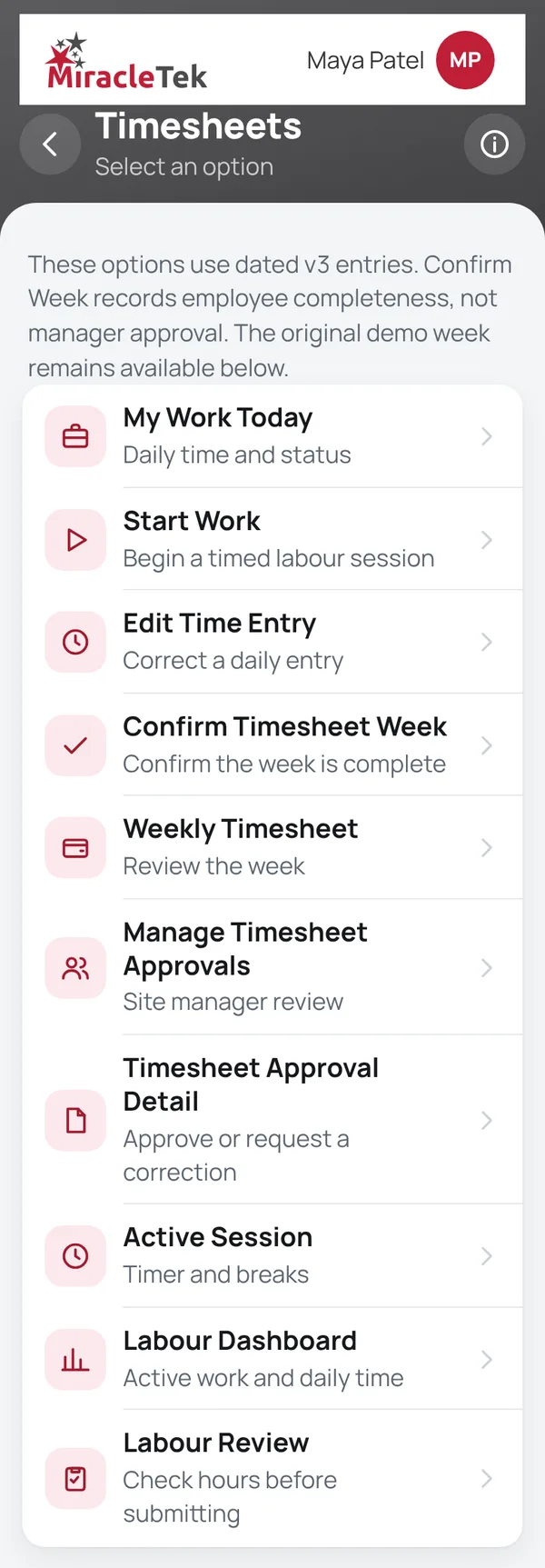
What the crew and supervisor see

Every menu item, in the same order as the app menu. Full screens from the MiracleTek app, using sample data.

Payroll

Approvals and controls

Hours that are checked before payroll

  • Never your own entryEntries are approved by the area manager or supervisor, never by the person who worked them.
  • No overlapping timeOverlapping entries are stopped when they are entered.
  • Corrections with historyReturned entries are corrected and resubmitted, and each change is recorded with the entry.
  • Payroll-ready only when completeA week is ready for payroll only when it is confirmed and every entry is approved.
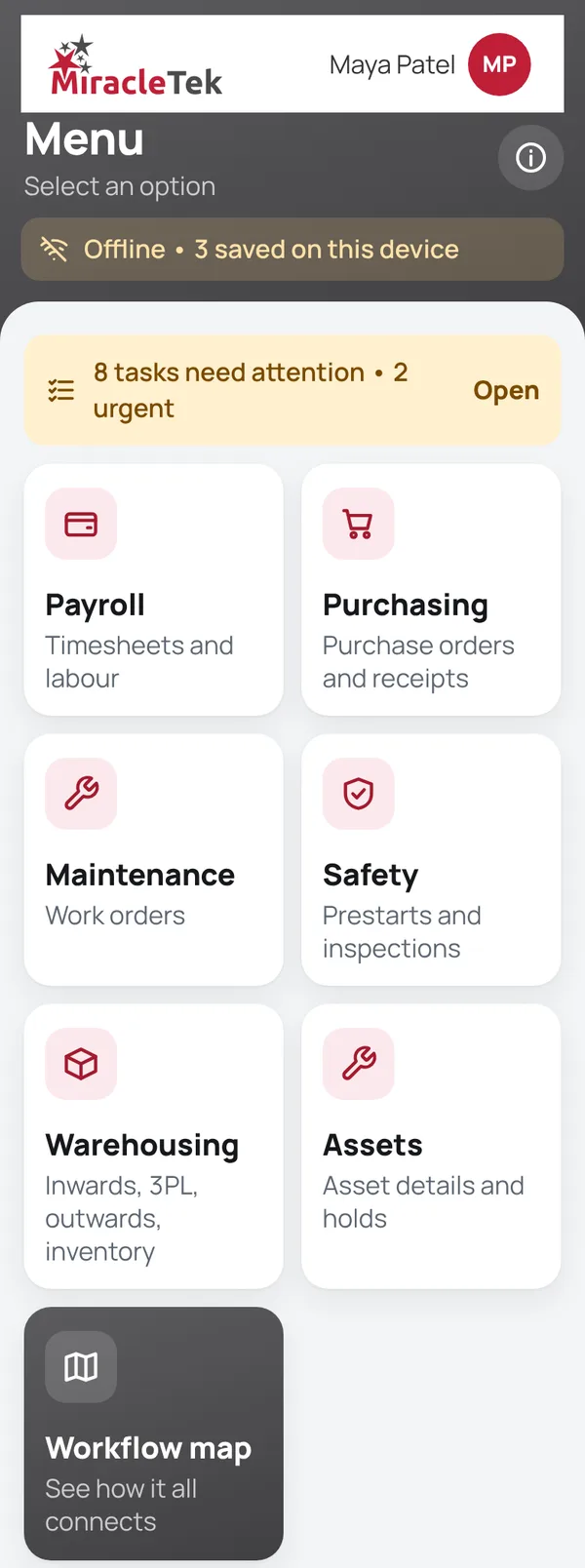
App with no signal, showing records saved on the device

Mobile First

For phones and tablets on iOS and Android

Time is recorded on the phone at the start of the job, so the record is made by the person doing the work, when the work happens.

Works Offline

No signal, no problem

The timer keeps running without coverage, and entries are held securely on the device until delivery is confirmed.

Offline • 3 saved on this device

Multiple Destinations

Designed for delivery where it is needed

MiracleTek is designed so a timesheet captured once can be configured for delivery to several destinations.

Timesheet
ApprovalPayrollProject costing or ERP
In the appTime entries, breaks, approvals, corrections and weekly confirmation are recorded in the app.
Delivery to your systemsApproved hours are designed to be delivered directly, through the MiracleTek Gateway, to your payroll, project costing and ERP systems, configured for each customer.

See a shift recorded on a phone

Request a demo. We will start and finish a shift, approve it as a supervisor, and show the payroll-ready week.

Request a demo Or email sales@miracletek.au Include your company, sites and how you collect hours today.
Start