MiracleTek

Mobile First warehousing

Stock recorded where it moves

Storepeople record goods in, dispatch, transfers and counts on a phone as they work, for your own stock or customer stock. Balances follow the records, held stock stays put, and stock changes need supervisor approval.
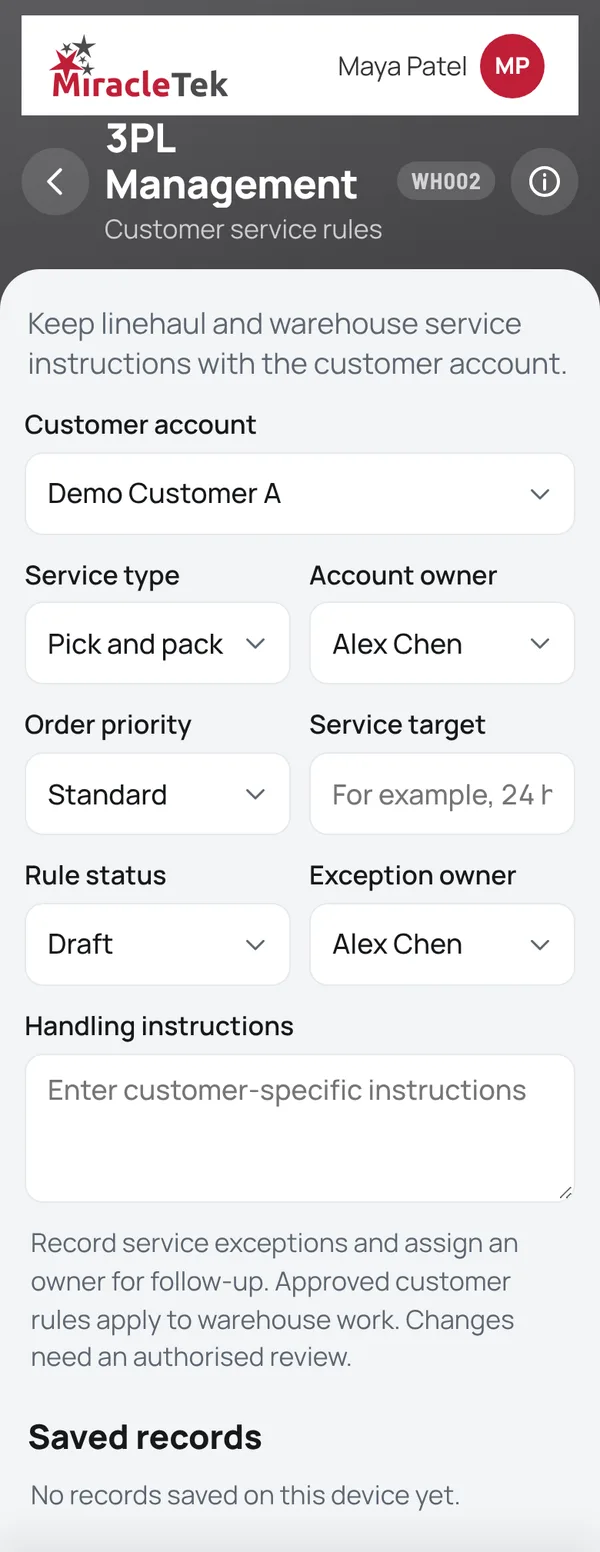
3PL Management screen with customer service rules
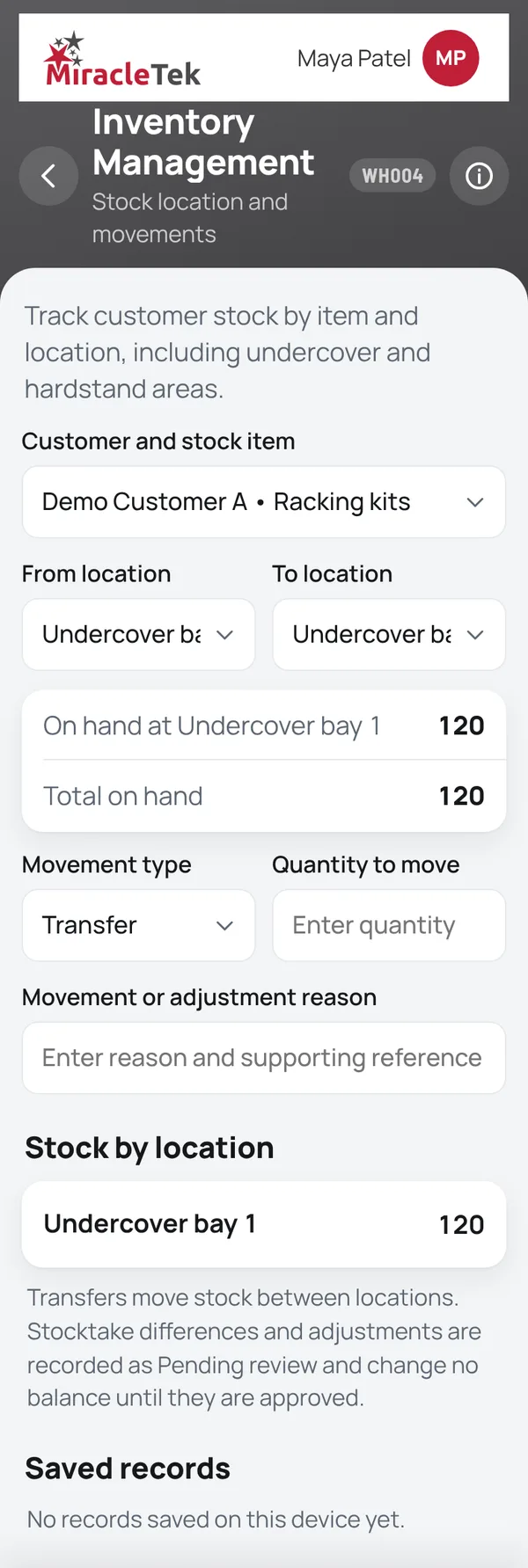
Inventory Management screen with stock by location

How it works

From the truck to the shelf and back out

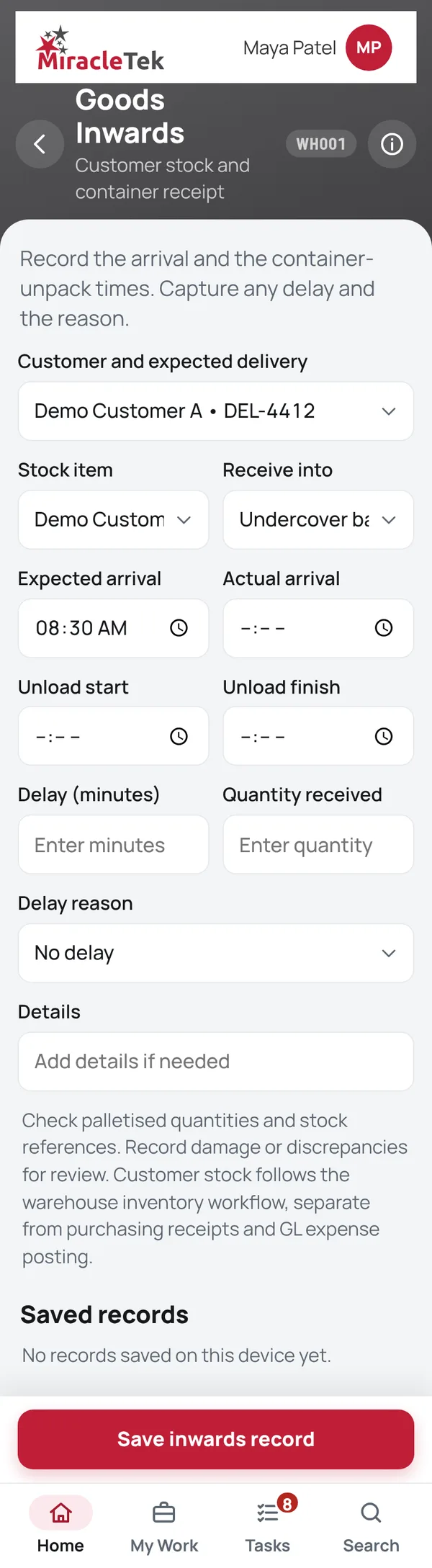
  1. Goods Inwards (Time / Delays)Record arrival and container unpack times, delays, quantities and damage, with photos.
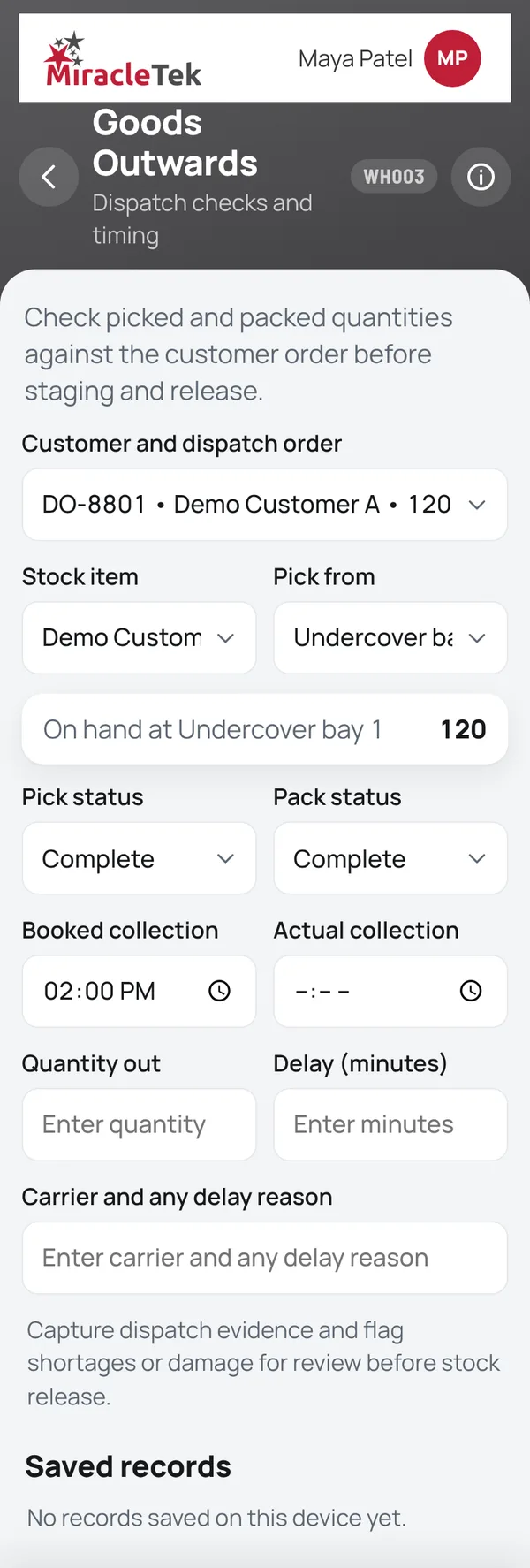
  2. Goods OutwardsPick, pack, stage and dispatch against the customer order. Stock never goes below zero, and held stock cannot be dispatched.
  3. Inventory ManagementTransfers between locations, stocktake counts and adjustments. Differences and adjustments change the balance only once a supervisor approves them.
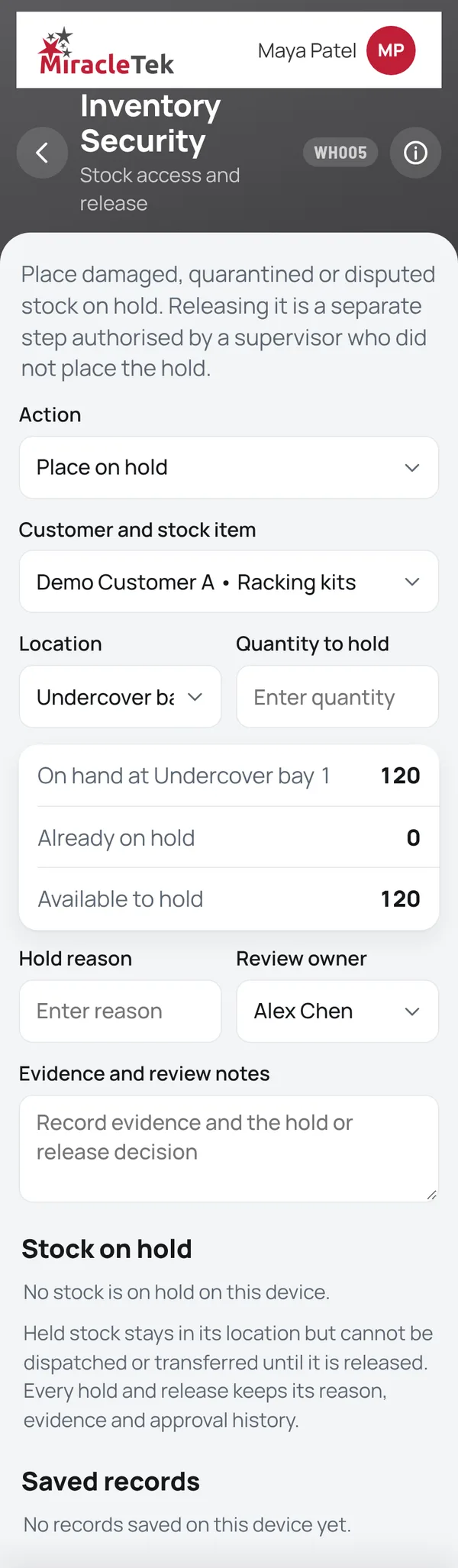
  4. Inventory Security and 3PL ManagementHolds with a separate authorised release, and customer service rules that a supervisor approves before they apply.

Screens

What the storeperson and supervisor see

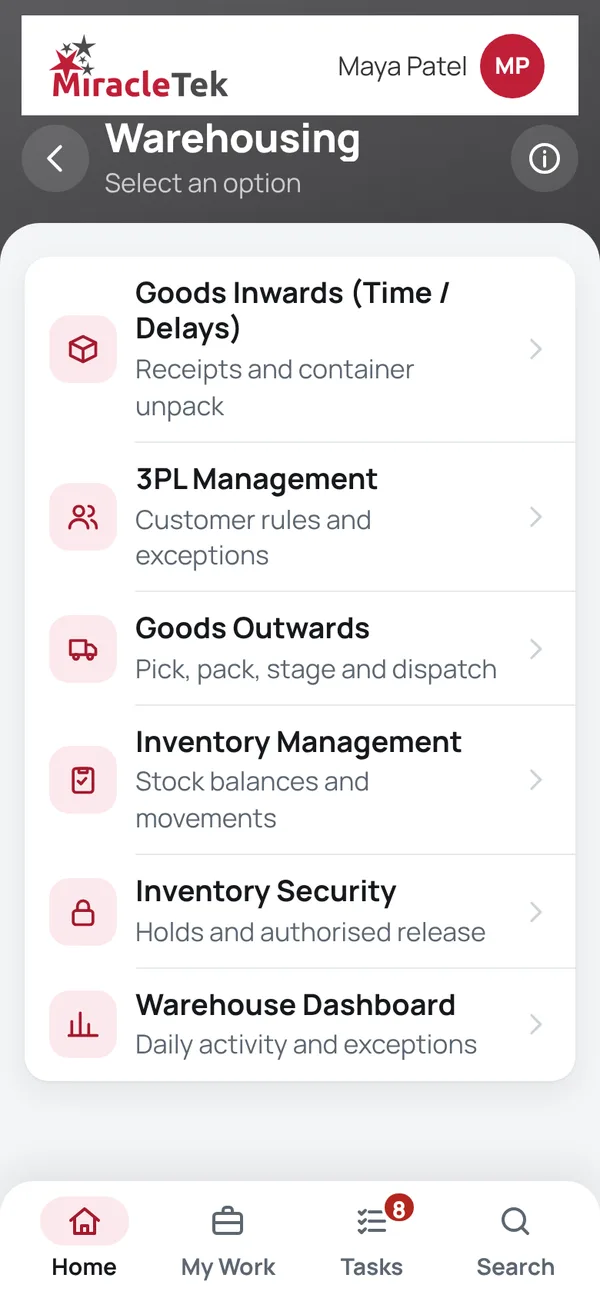
Every menu item, in the same order as the app menu. Full screens from the MiracleTek app, using sample data.

Approvals and controls

Stock that only moves the right way

  • Held stock stays putStock on hold cannot be dispatched or moved until it is released.
  • Separate releaseA supervisor who neither placed the hold nor entered the release authorises it.
  • Approval by someone elseStock adjustments, count differences and customer (3PL) rules are decided by a supervisor who did not make the request.
  • TraceableEvery movement, hold, release and photo is recorded with the transaction.
Inventory security: placing customer stock on hold

Mobile First

For phones and tablets on iOS and Android

Receipts, movements and counts are entered on the floor, at the dock or in the yard, on the phone the storeperson already carries.

Works Offline

No signal, no problem

Sheds and containers often have poor coverage. Storepeople keep recording, and records and photos are held securely on the device until delivery is confirmed.

Offline • 3 saved on this device

Multiple Destinations

Designed to keep the right people informed

MiracleTek is designed so a warehouse transaction captured once can be configured for delivery to several destinations.

Goods receipt
CustomerWarehouse supervisorDocument managementERP or warehouse system
In the appGoods in, dispatch, transfers, counts, holds, approvals and photos are recorded in the app. Balances are calculated from those records.
Delivery to your systemsRecords are designed to be delivered through the MiracleTek Gateway to your customers and to your document management, ERP and warehouse systems, configured for each customer.

See a receipt, a hold and a release on a phone

Request a demo. We will receive goods with a photo, place stock on hold and release it with a separate supervisor.

Request a demo Or email sales@miracletek.au Include your company, sites and the stock you manage.
Start