Purchase Orders
Commitments and supply status

Mobile First purchasing
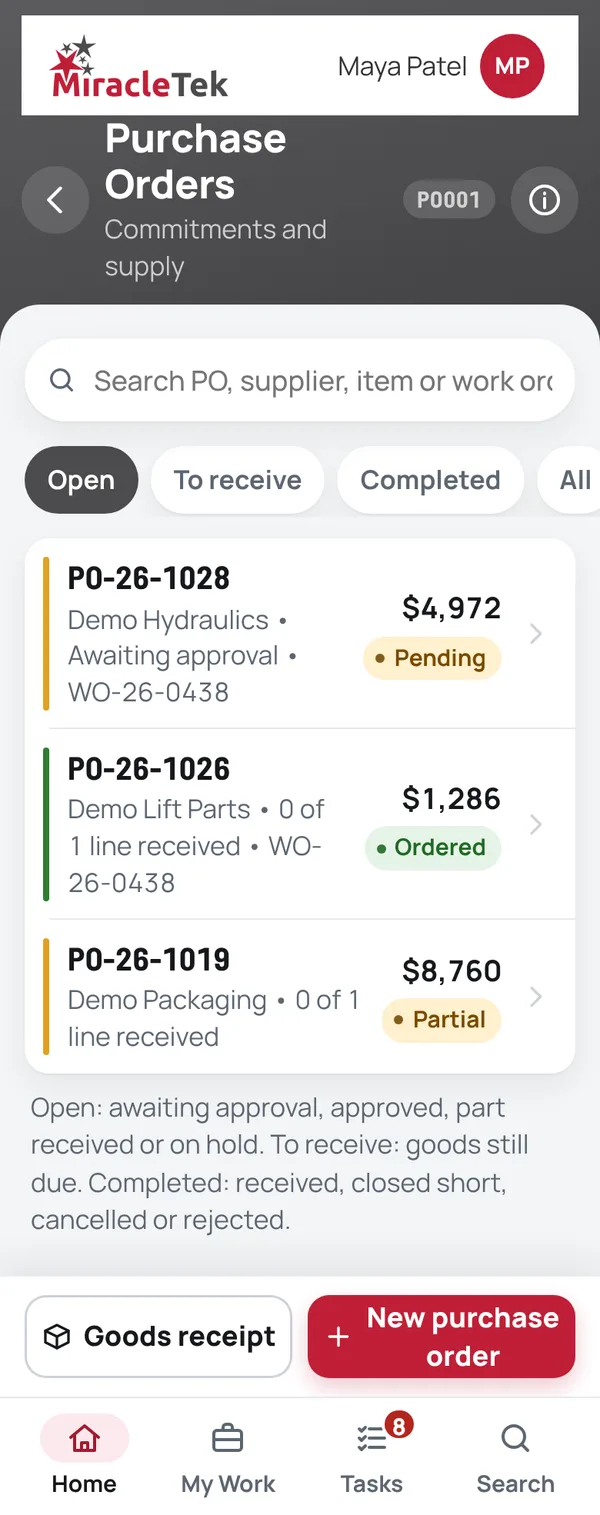
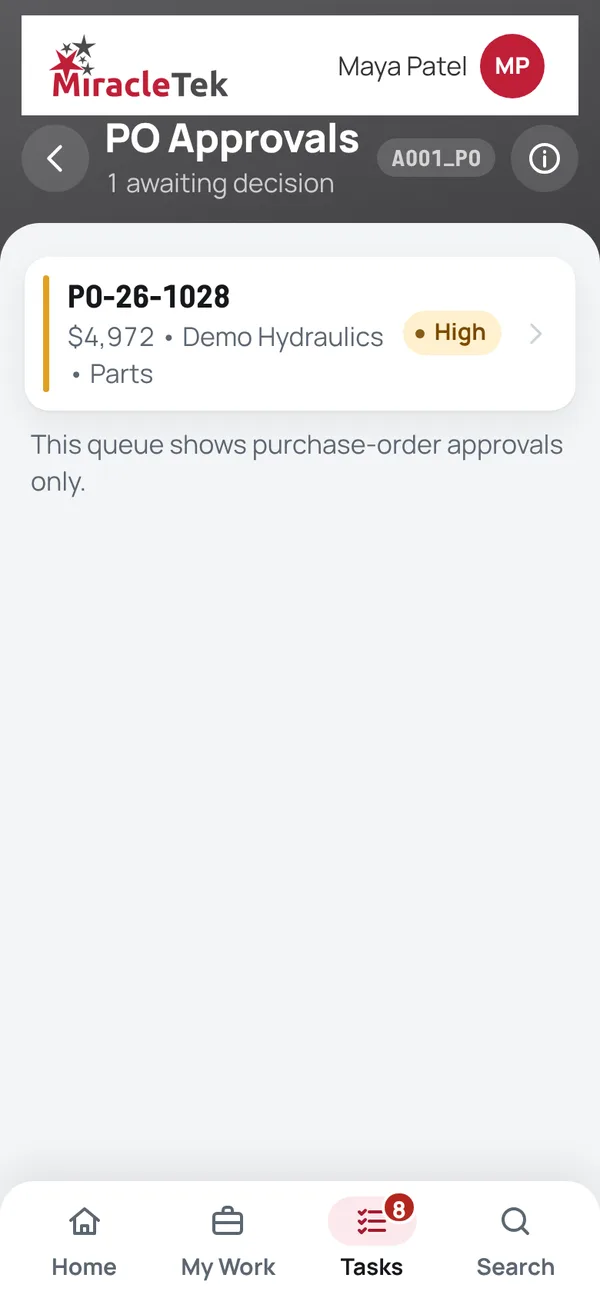
Raise a purchase order on the phone, from a work order or on its own. It needs approval from a named approver with authority for the amount, and goods are received line by line against the order, with delivery photos.
In the app
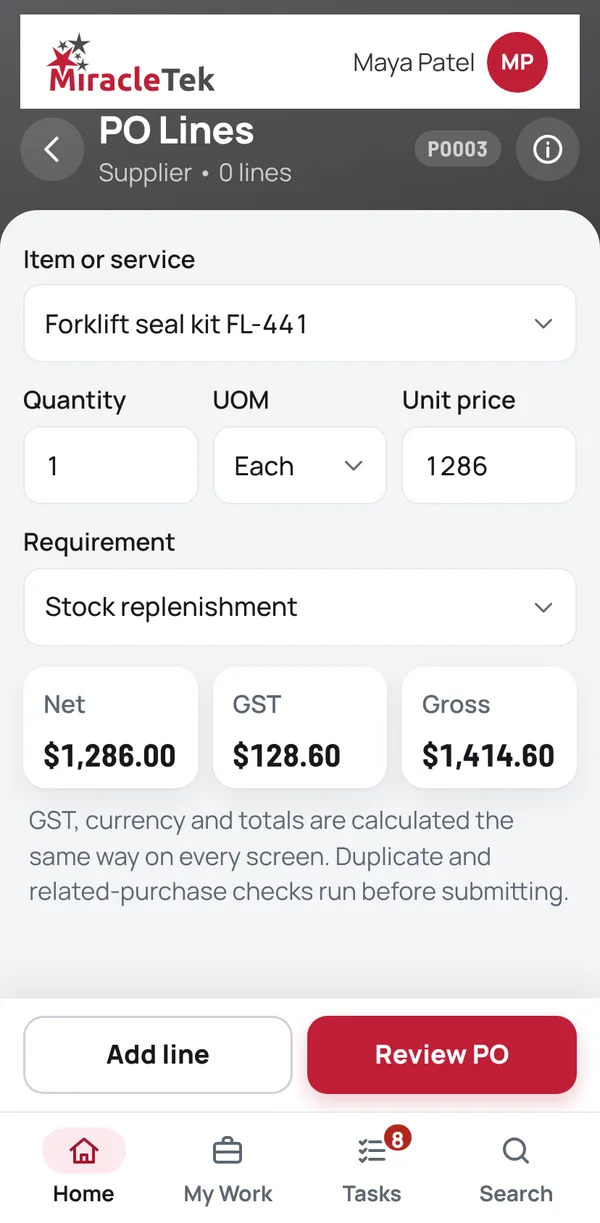
Menu names as they appear in the MiracleTek app. On the home screen this module is the Purchasing tile: Purchase orders and receipts.
The purchase order is the request: it is raised, approved and received in one record. Suppliers are maintained and approved in Administration › Suppliers, and supplier quote files are attached to the order.
How it works
Screens
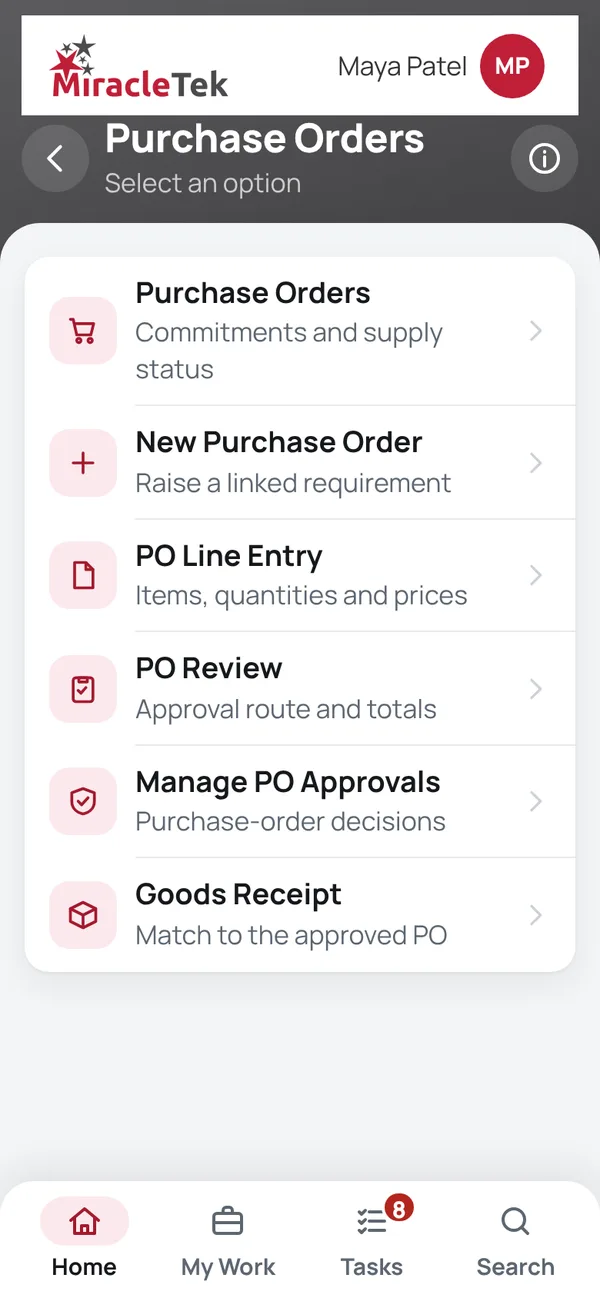
Every menu item, in the same order as the app menu. Full screens from the MiracleTek app, using sample data.
Commitments and supply status
Raise a linked requirement
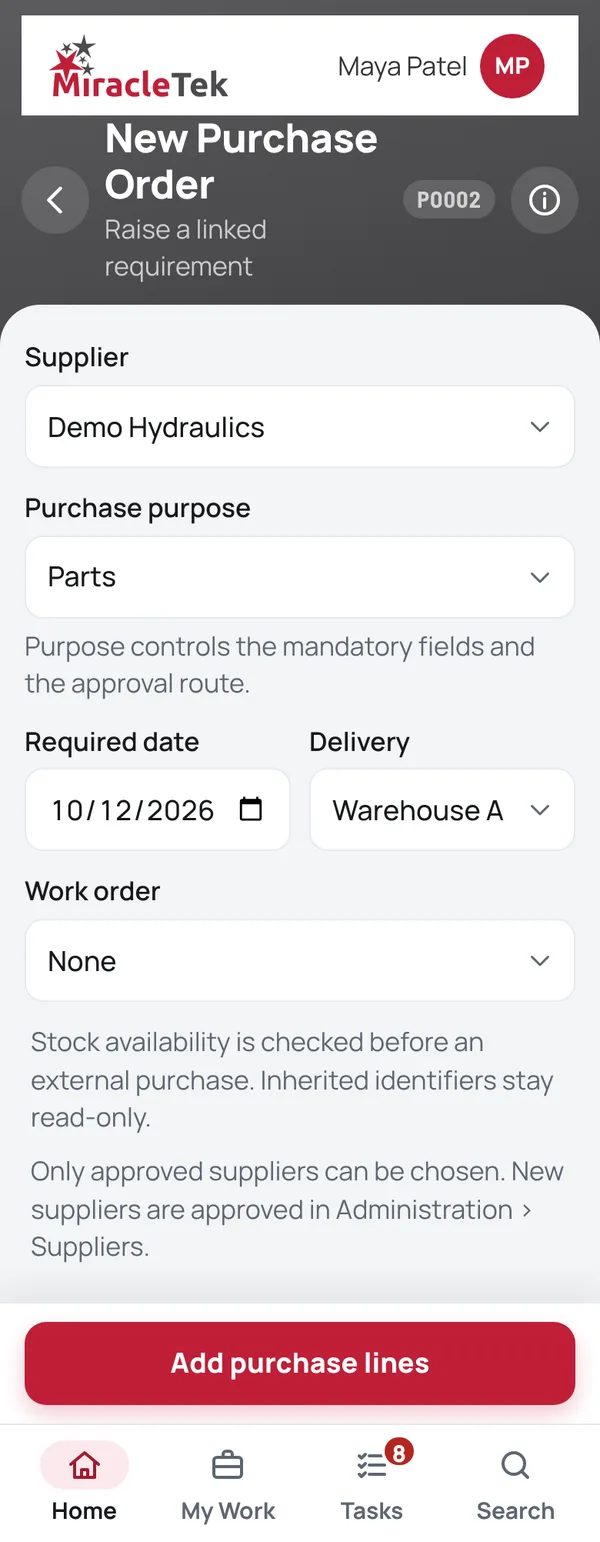
Items, quantities and prices
Approval route and totals
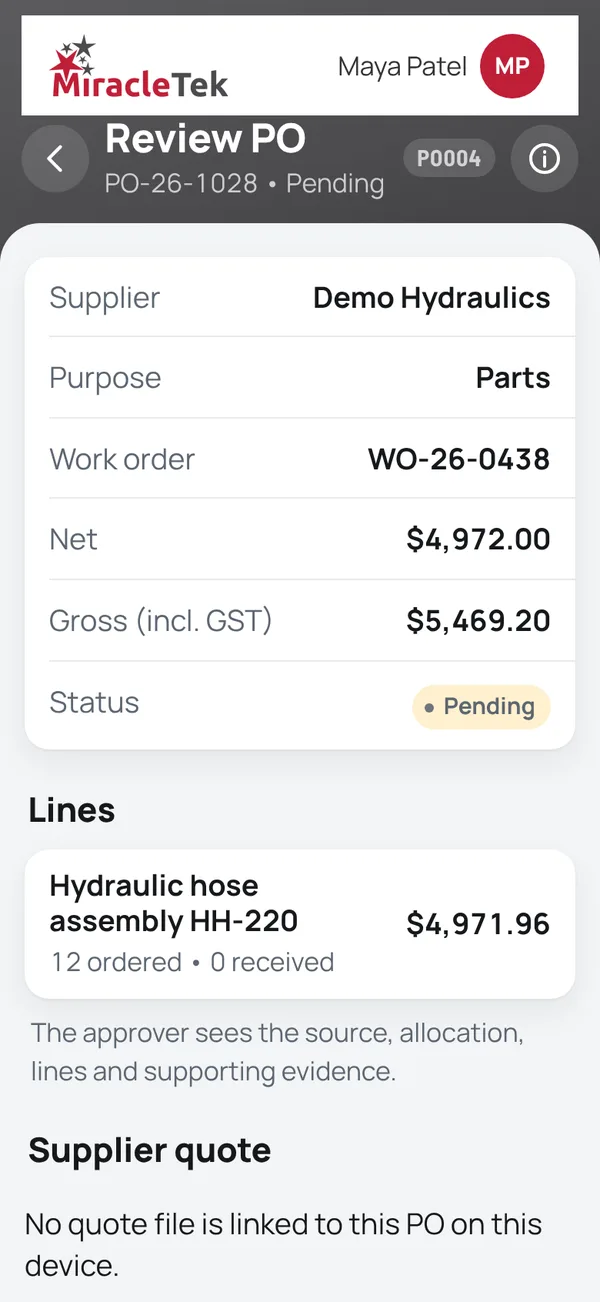
Purchase-order decisions
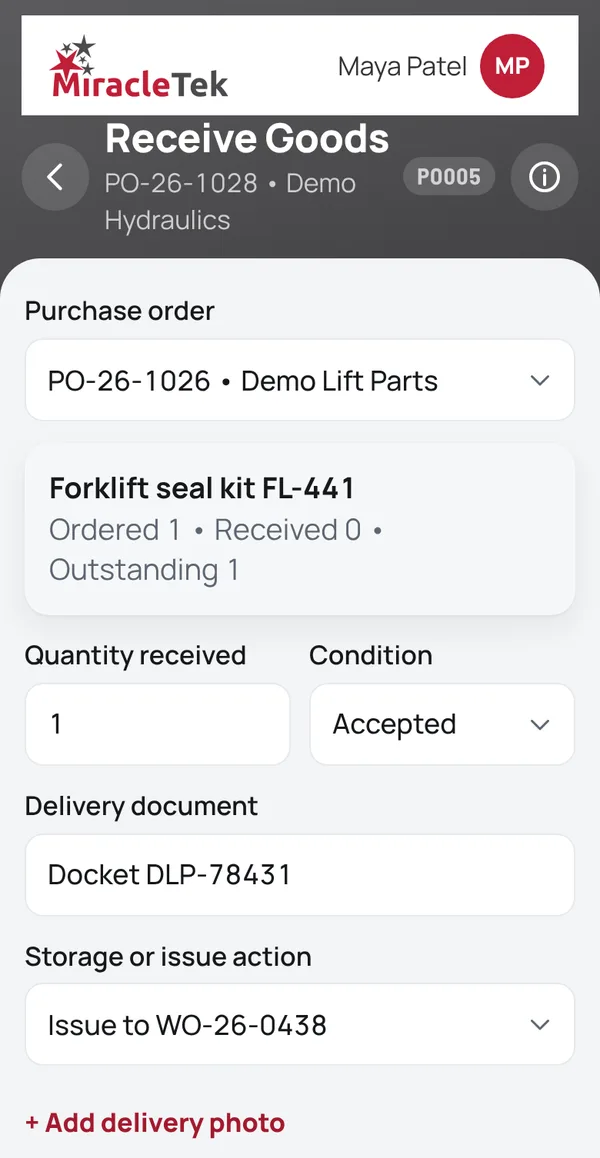
Match to the approved PO
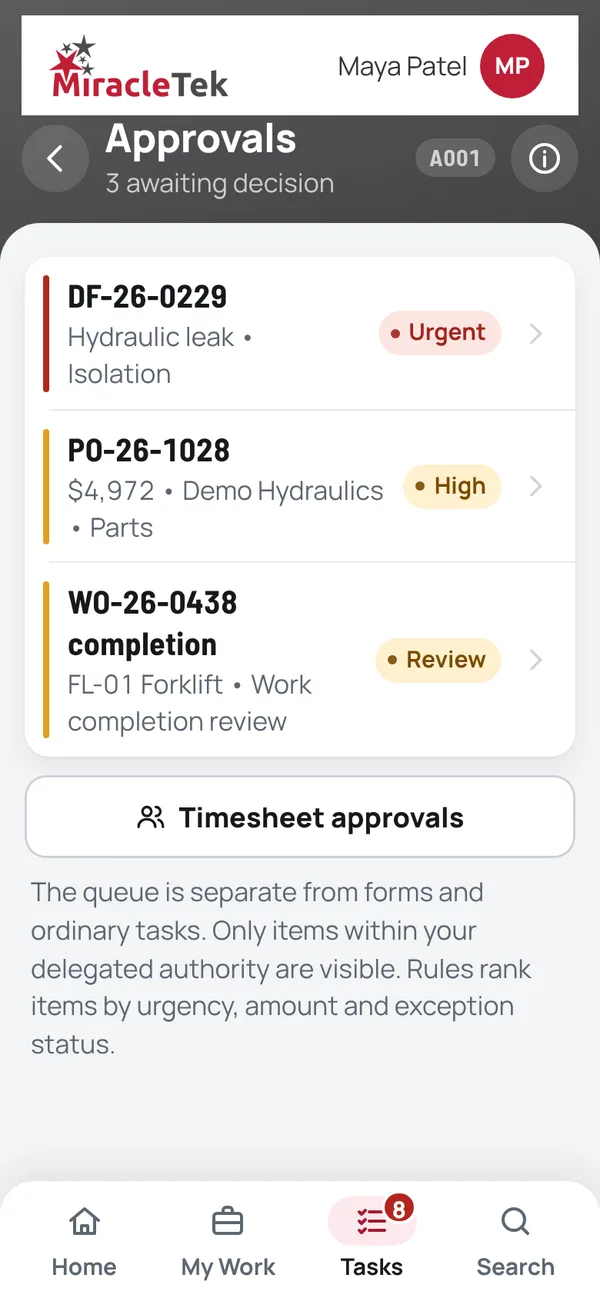
Approvals and controls
Mobile First
Orders are raised where the need is found, at the machine or in the store, and approved by the right person in the app.
Works Offline
Orders, receipts and delivery photos can be recorded without coverage. Records are held securely on the device until delivery is confirmed.
Offline • 3 saved on this device
Multiple Destinations
MiracleTek is designed so a purchase order captured once can be configured for delivery to several destinations.
Request a demo. We will raise an order from a work order, approve it, and receive it line by line with a delivery photo.