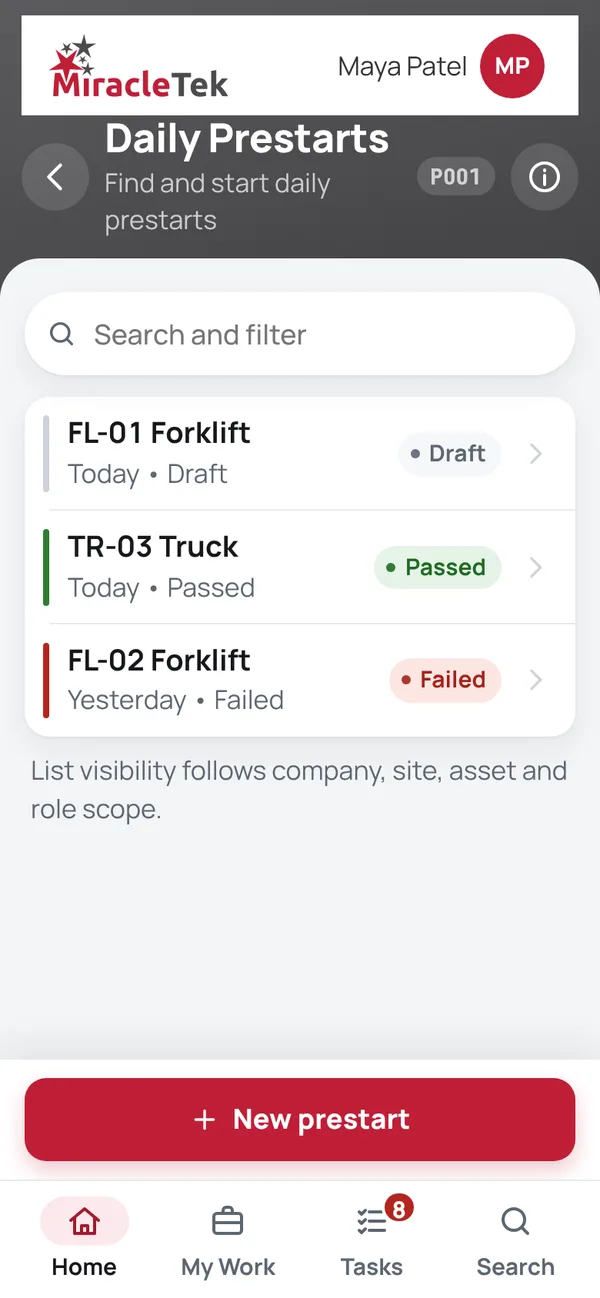
Daily Prestarts
Find and start prestarts

Mobile First safety
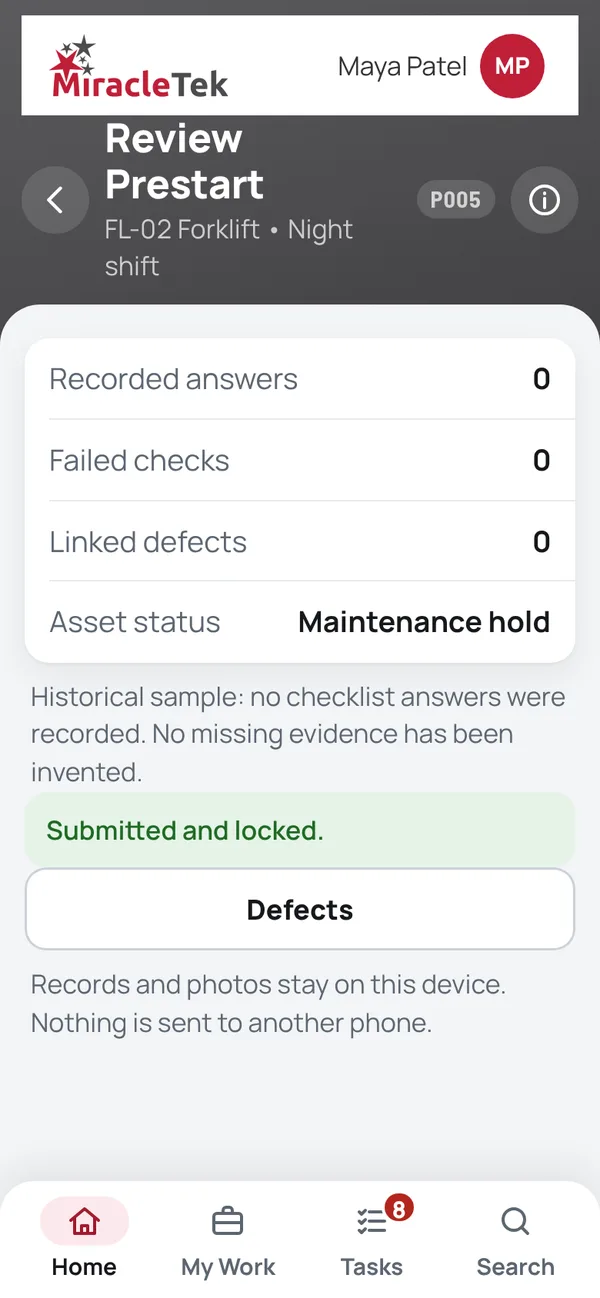
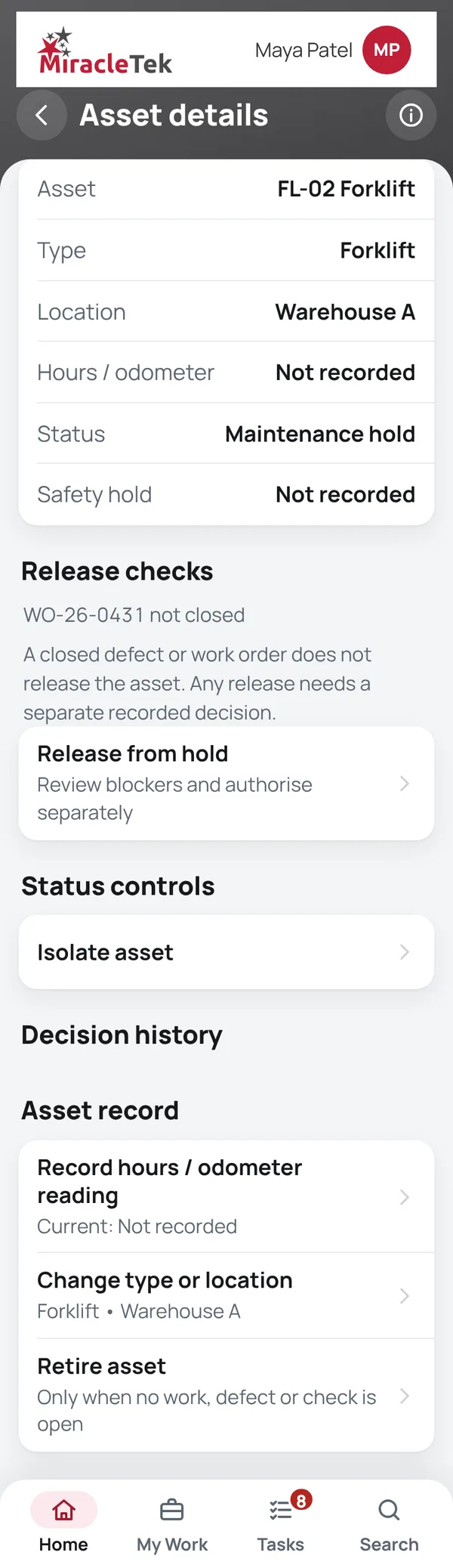
Operators complete daily prestarts on their phone, standing at the machine, with or without signal. A failed check is recorded with a comment and a photo, and the machine stays on hold until someone authorised releases it.
In the app
Menu names as they appear in the MiracleTek app. On the home screen this module is the Safety tile: Prestarts and inspections. Release from hold is in Assets, under the asset details.
How it works
Screens
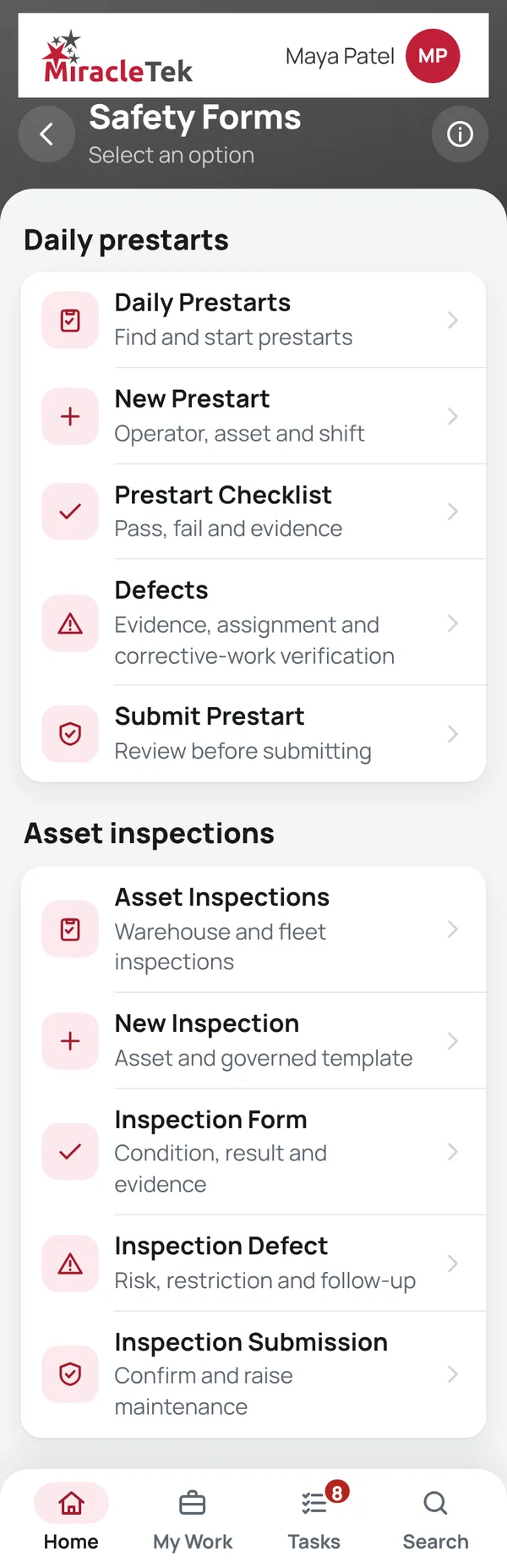
Every menu item, in the same order as the app menu. Full screens from the MiracleTek app, using sample data.
Find and start prestarts
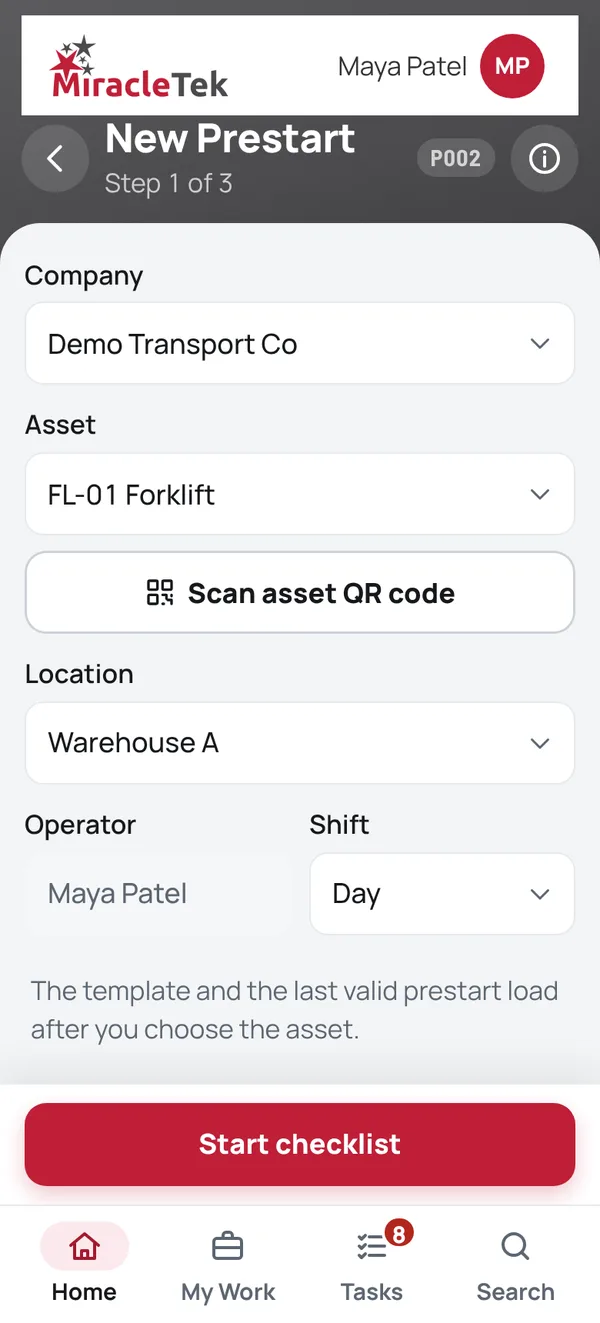
Operator, asset and shift
Pass, fail and evidence

Evidence, assignment and corrective-work verification
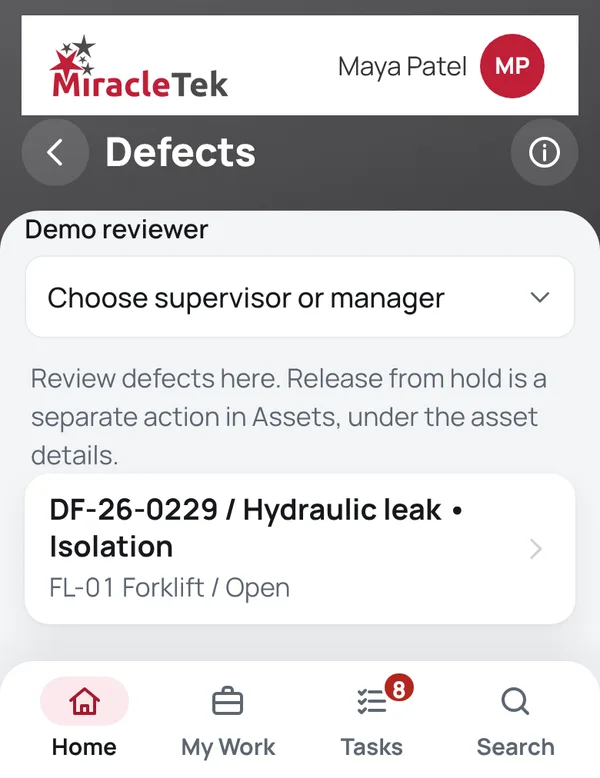
Review before submitting
Warehouse and fleet inspections
Shown in a demonstration.
Asset and governed template
Shown in a demonstration.
Condition, result and evidence
Shown in a demonstration.
Risk, restriction and follow-up
Shown in a demonstration.
Confirm and raise maintenance
Shown in a demonstration.
Approvals and controls
Mobile First
Checks are done on the phone at the machine, before work starts, so the record is made by the operator who did the check.
Works Offline
Prestarts, inspections and photos are held securely on the device until delivery is confirmed. While offline, the app shows how many records are waiting to be delivered.
Offline • 3 saved on this device
Multiple Destinations
MiracleTek is designed so a submitted prestart or inspection can be configured for delivery to several destinations.
Request a demo. We will run a prestart with a failed item, the defect, the hold and the separate release.